Accounts
Access to the Pop-up Channels front-end (https://app.fast.jwp.services) requires a login separate from your JWX dashboard credentials.
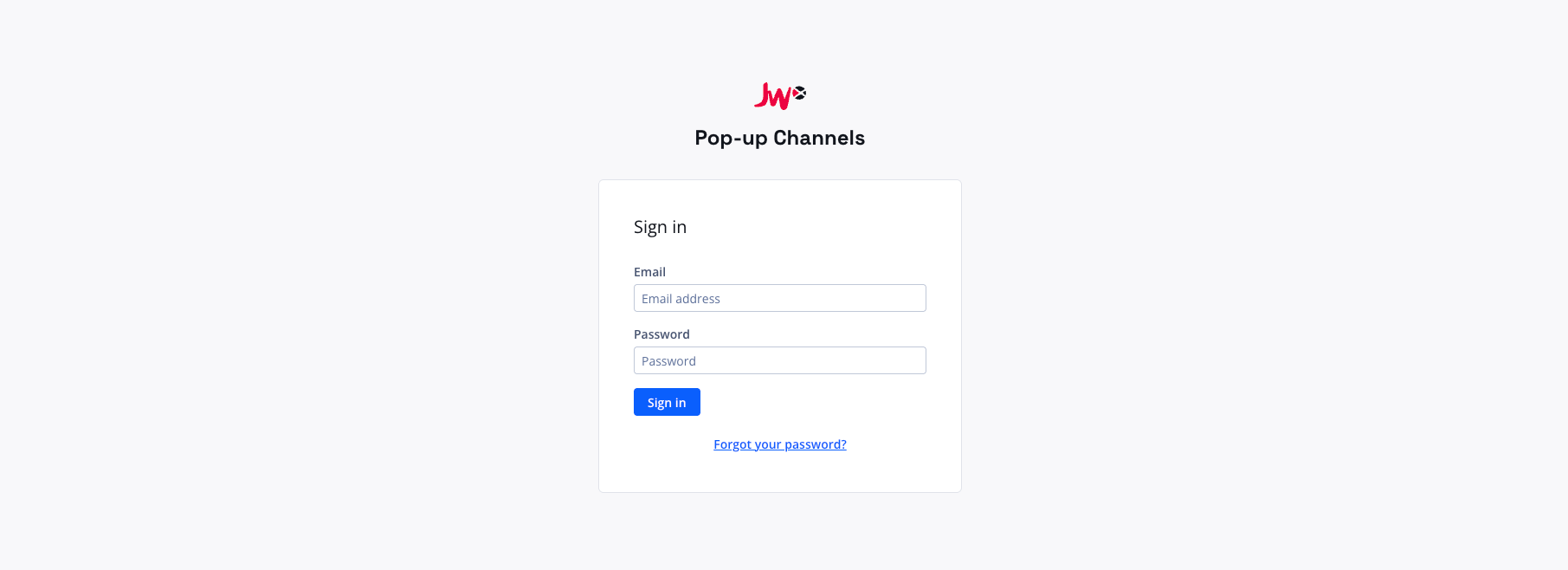
Please reach out to your JWX representative if you do not know your login.
Your organisation can have multiple users who can manage your channels. You can manage users for your account from the account page - see managing users below.
My settings
To access your user settings, click your email address in the top right corner of the Pop-up Channels front-end, then "My settings".
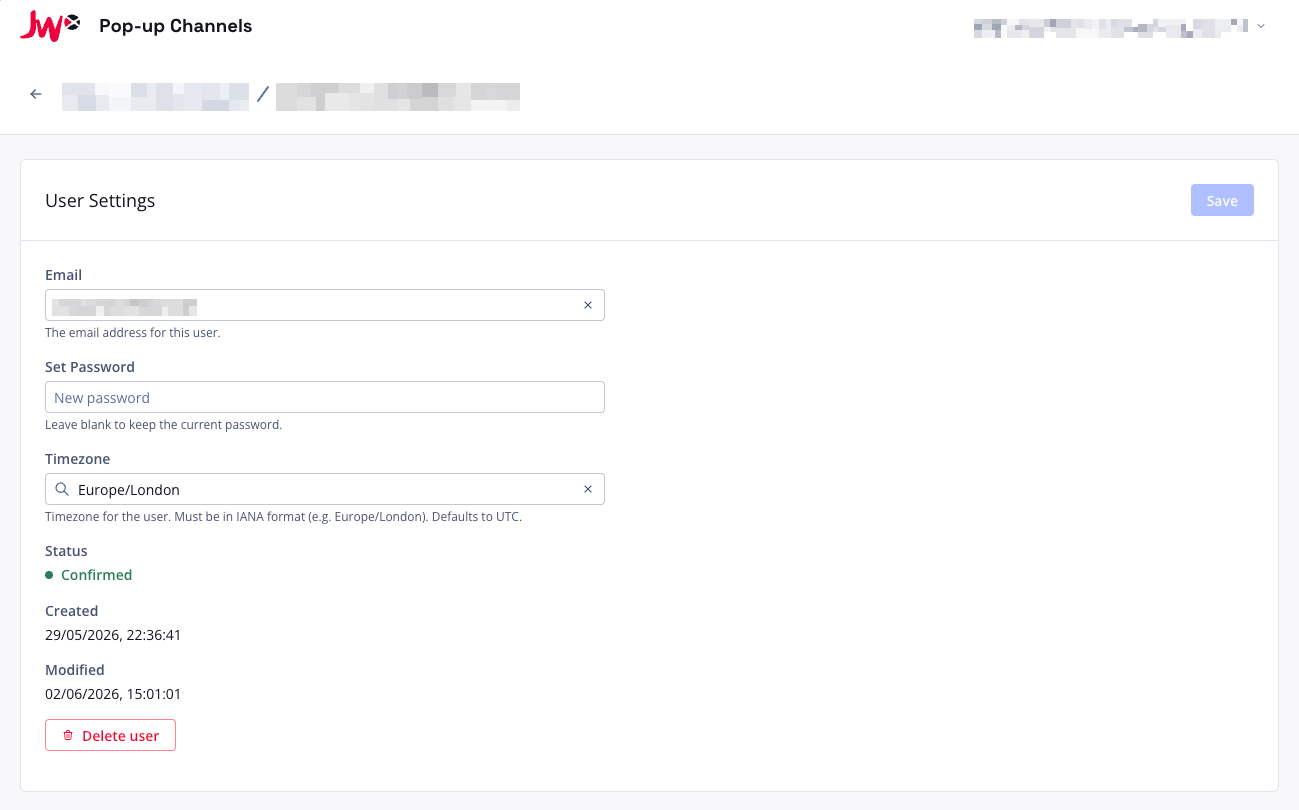
On the settings page you can update:
- Email - your email address
- Password - set a new password (leave blank to keep the current one)
- Timezone - the timezone used throughout the application (e.g. in the scheduler and channel details). Must be in IANA format, for example
Europe/London. Defaults to UTC.
Click "Save" to apply your changes.
Changing your password
If you have forgotten your password, you can reset it using the "Forgot your password?" link on the login screen.
You can also change your password from your user settings page while logged in.
Timezones
Timezones can be set per-user. To change your timezone, go to your user settings page, search for and select your timezone, then click "Save".
The timezone you set will be used when displaying dates and times throughout the application, including in the scheduler and on channel details pages.
Managing users
To manage users for your account, click your email address in the top right corner, then "Account".
On the account page, you will see a "Users" section showing all users on your account.
Creating a user
- On the account page, click "Create user"
- Enter the email address for the new user - an invitation will be sent to this address
- Optionally, select a timezone for the user
- Click "Create"
Editing a user
To edit a user's settings, click their email address in the users list. From their settings page, you can update their email, password and timezone.
Deleting a user
To delete a user, click their email address in the users list, then click "Delete user" and confirm the deletion.
Default channel configuration
On the account page, you can configure default settings for new channels. When set, these defaults will be pre-filled when creating a new channel.
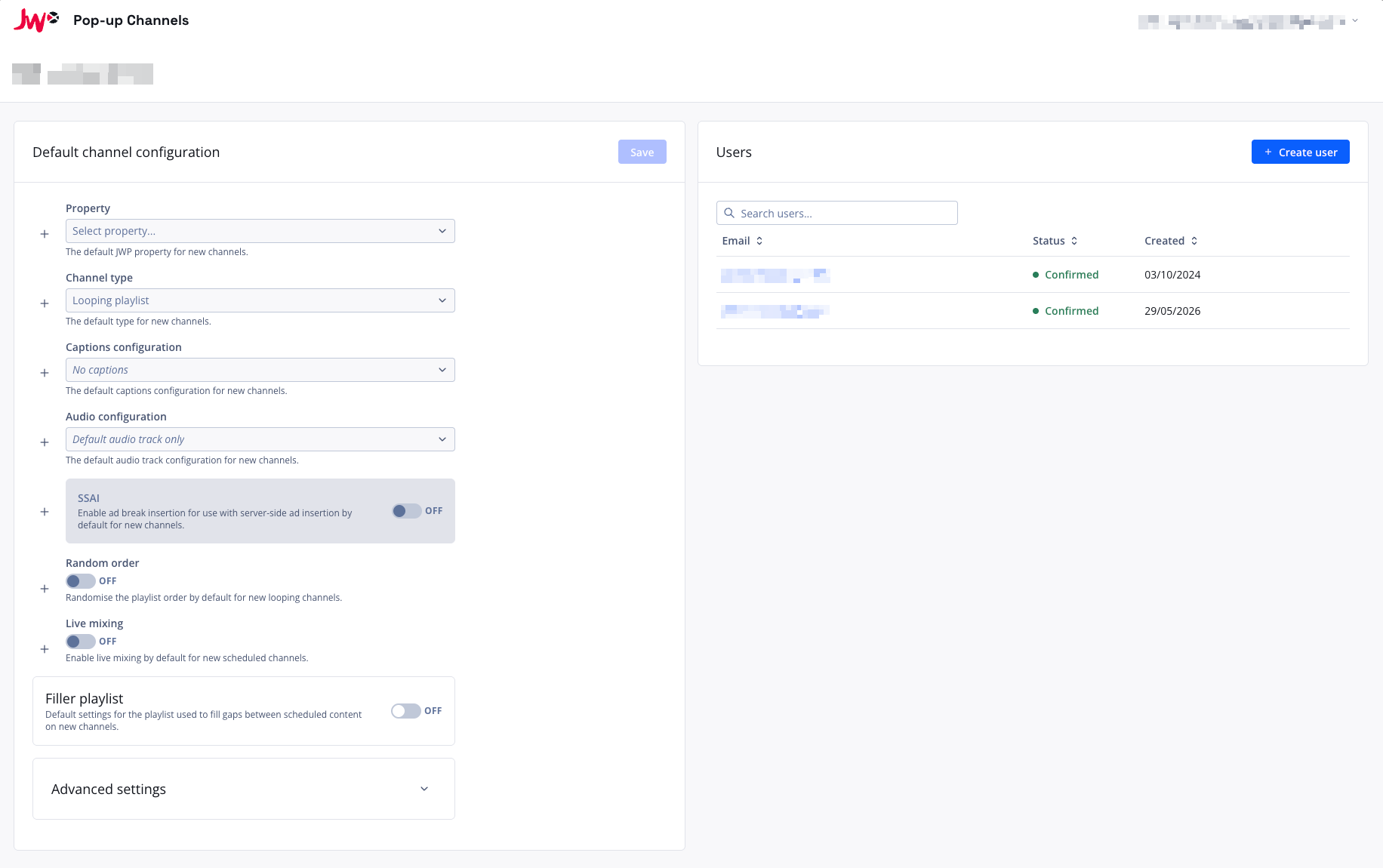
The following defaults can be configured:
- Property - the default JWX property for new channels
- Captions configuration - the default captions configuration for new channels
- Audio configuration - the default audio configuration for new channels
- Video configuration - the default video configuration for new channels
- VOD type - the default VOD type (Traditional or CMAF) for new channels
- BYOCDN Config ID - the default CDN configuration ID for new channels, so that their content is delivered from your own CDN (only shown when BYOCDN is enabled for your account - contact support to enable it)
- SSAI - enable SSAI by default, including VOD preroll, minimum time between prerolls, ad config and ad slate defaults
- Slate - the default slate VOD for scheduled channels
- DRM policy - the default DRM policy for new channels (only shown when the selected property has DRM enabled)
Click the + button next to a field to include it in the defaults, or the - button to exclude it. Click "Save" to apply your changes.