Looping playlist channels
The looping playlist channel mode allows you to turn a JWX playlist into a live channel, that plays the VODs in the playlist on a loop.
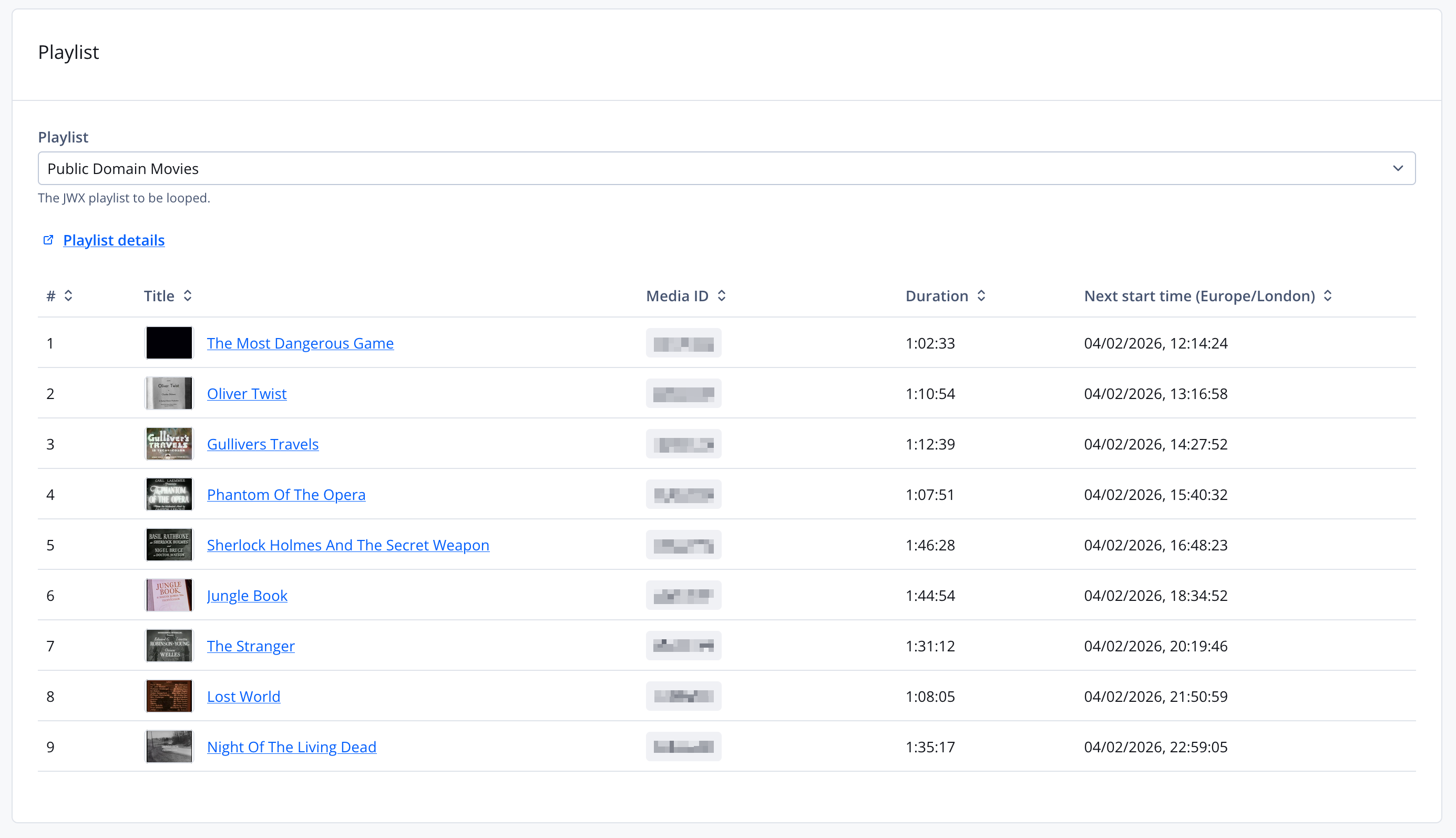
Creating a looping playlist channel
See Creating a looping playlist channel.
Random order
The "Shuffle" option in JWX dynamic playlists should not be used, as it can cause unexpected behaviour. In order to randomise the order of a playlist used in Pop-up Channels, please use the "Random order" option when setting up the channel.
When creating or editing a looping playlist channel, you can enable the "Random order" option to shuffle the playback order of the playlist. When enabled, the VODs in the playlist will play in a random order rather than the order they appear in the playlist.
Updating the playlist
Changes to the playlist can be made in the JWX Dashboard, or via the JWX Management API. For information on making changes to the playlist, please see the JWX docs for playlist management.
Playlist updates should reflect on the channel within 20 to 30 minutes.